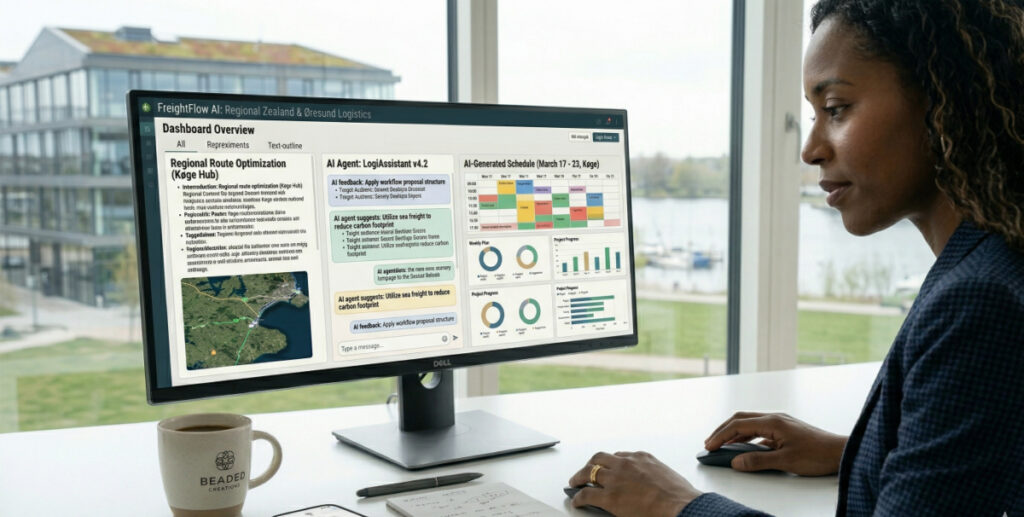
Artificial Intelligence is increasingly being used to improve AI workplace productivity across industries.
Professionals are under constant pressure to:
- Meet deadlines
- Handle communication
- Manage large amounts of information
- Maintain high-quality output
This case study explores how a professional can use AI responsibly to improve workplace productivity without losing control or professional judgement.
The Scenario
Consider a mid-level professional working in a corporate environment.
Their responsibilities include:
- Writing reports
- Managing emails
- Preparing presentations
- Attending meetings
- Analysing information
The workload is heavy, and repetitive tasks consume valuable time.
This is where AI workplace productivity systems can provide structured support.
Step 1 — Managing Communication Efficiently
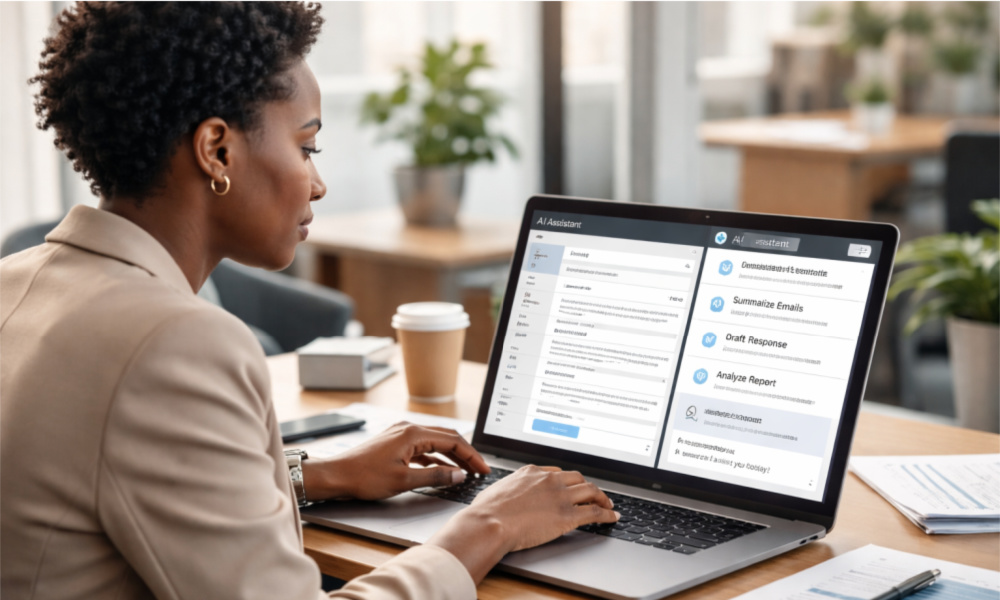
One of the biggest time-consuming tasks is email communication.
AI can assist by:
- Drafting email responses
- Improving tone and clarity
- Structuring professional messages
Example prompt:
“Rewrite this email in a clear, concise, and professional tone.”
The professional reviews and edits the message before sending.
This reduces time spent on routine communication while maintaining quality.
Step 2 — Structuring Reports and Documents
Professionals often spend hours structuring reports.
AI can help:
- Create outlines
- Suggest headings
- Organise content logically
Example prompt:
“Create a structured outline for a monthly performance report.”
The professional then writes the content using their expertise.
This improves efficiency without compromising accuracy.
Step 3 — Summarising Information
Modern workplaces involve large amounts of data.
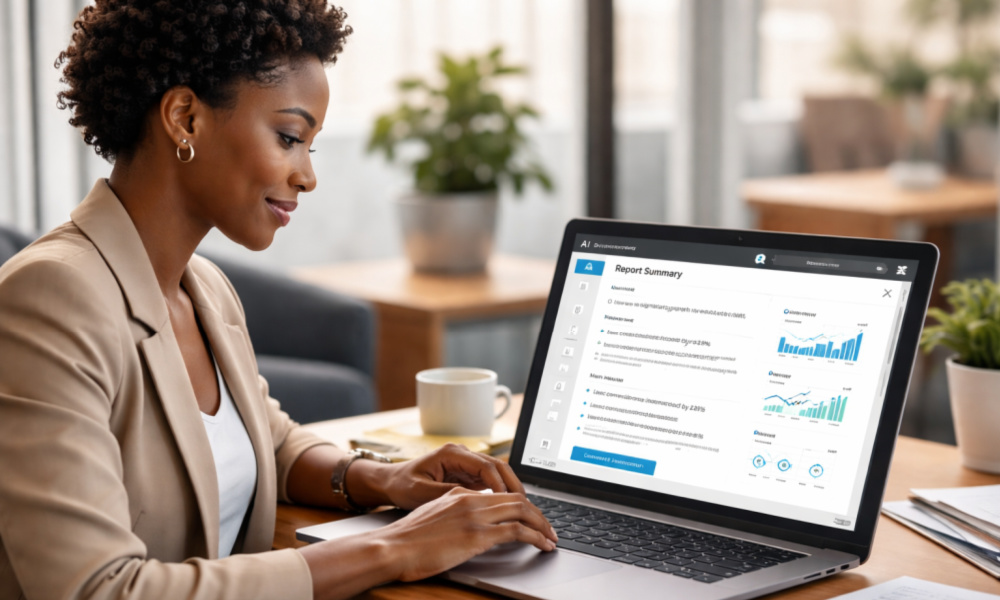
AI can assist by:
- Summarising long documents
- Highlighting key insights
- Simplifying technical information
This is especially useful when:
- Preparing presentations
- Reviewing reports
- Analysing documents
However, all summaries must be verified.
Step 4 — Improving Task Organisation
AI can also support productivity by helping professionals organise tasks.
Example prompt:
“Create a weekly work plan for managing reports, meetings, and communication.”
AI can generate:
- Task lists
- Priority levels
- Time blocks
This improves workflow structure and reduces stress.

Step 5 — Enhancing Presentation Preparation
Professionals often prepare presentations under tight deadlines.
AI can assist by:
- Structuring slide content
- Simplifying complex ideas
- Suggesting key points
This allows professionals to focus on delivery rather than formatting.
Maintaining Control in AI Workplace Productivity
Despite these advantages, professionals must remain in control.
AI should be used as:
- A support tool
- A productivity assistant
- A drafting aid
Not as:
- A decision-maker
- A replacement for expertise
- A source of unchecked information
Professional responsibility remains essential.
Benefits Observed
When applied correctly, AI workplace productivity systems can lead to:
- Faster task completion
- Improved communication clarity
- Better organisation
- Reduced administrative workload
This allows professionals to focus on higher-value tasks.
Practical Limitations
AI is not without limitations.
Professionals must remain aware of:
- Incorrect outputs
- Over-simplified summaries
- Confidentiality risks
- Overdependence
Critical thinking is still required.
Lessons From This Case Study
Key insights include:
- AI improves efficiency, not expertise
- Structure is more important than tools
- Human review is essential
- Responsible use builds long-term advantage
Final Reflection
Artificial Intelligence is transforming modern workplaces.
However, AI workplace productivity is most effective when combined with:
- Professional judgement
- Discipline
- Structured workflows
Technology enhances performance — but responsibility remains human.